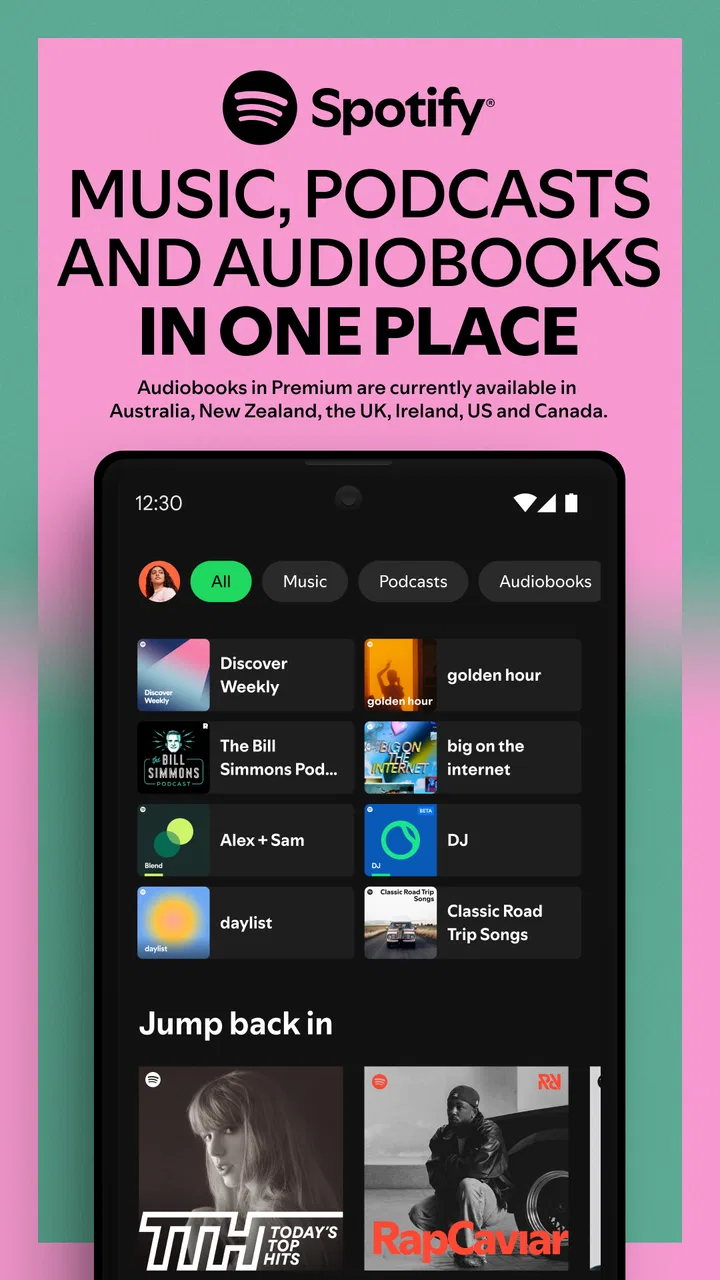
Spotify: Music & Podcasts
- 3.9
- Rating
- 100.00M
- Installs
- Free
- Price

 Analysis by App-foxy
I keep coming back to Spotify for one main reason: it makes discovery feel like part of listening rather than a separate task. I can start with one familiar artist, follow a playlist built around a mood, or switch to a podcast without leaving the same Music & Audio app. That sounds simple, but in daily use it changes how often I actually find something new instead of replaying the same small group of albums.
Spotify is a free app from Spotify AB for music and podcasts, with lyrics included as part of its listening experience. It is aimed at a Teen audience, runs on Android 6.0 and later, and the current version is 1.125.1. Its scale is hard to ignore: it has passed 100 million installs, while its average rating sits at 4.1 from roughly 36 thousand ratings. Those figures suggest a mature service that many people rely on, although they also tell me to expect a broad, general-purpose experience rather than an app designed around one narrow listening style.
Why Spotify’s discovery system matters more than its catalog size
The useful capability here is not simply having music and podcasts in one place. It is the way Spotify turns listening history and deliberate choices into a moving set of recommendations. When I save an artist, return to a particular playlist, or explore a style I have not heard recently, the app gradually becomes better at presenting options that feel relevant. I still need to guide it, but I do not have to build every listening session from scratch.
You May Also Like

 AccuWeather: Weather Radar
AccuWeather Review: A Quick, Clear Forecast for Everyday Decisions
For everyday plans, the best forecast is the one you can understand quickly. AccuWeather makes rain timing, radar, and local conditions easy to act on, with a few trade-offs.

 Hill Climb Racing
Why Hill Climb Racing Still Turns Crashes Into One More Run
A tiny car, a bumpy hill and one more upgrade: Hill Climb Racing keeps resurfacing because its simple chaos makes every near-miss feel personal.

 AliExpress - Shopping App
AliExpress Makes Global Shopping Feel Personal, but Shoppers Bear the Risk
AliExpress turns a global marketplace into a pocket-sized discovery engine. Its reach is useful, its shopping loop compelling, and its trade-offs easy to miss.

 Lords Mobile: Kingdom Wars
Lords Mobile Is a Kingdom-Building Routine, Not a Quick Match
A case-by-case verdict on the building, battles, device demands, and social commitments that make Lords Mobile rewarding for some players and exhausting for others.

 PDF Scanner app - TapScanner
TapScanner Makes Paperwork Easier to Capture, Check, and Share
TapScanner makes scanning with a phone feel less like a rescue operation and more like a dependable step in getting work done. Its capture tools are useful, though not flawless.

 Block Blast!
 Shows How Much a Puzzle Game Can Leave Out
A quiet grid game shows why puzzle players increasingly value instant clarity, repeatable skill and low-pressure play—and where the genre still needs to catch up.
More From Our News Desk
View All News


That distinction matters when I am choosing music for a situation rather than for a specific release. If I want something calm while reading, energetic background music for a workout, or familiar tracks during a commute, I can begin with a mood or a known favorite and let the app widen the selection. The result is less like searching a library and more like having a constantly changing shelf prepared for the moment.
I also find the combination of music, playlists, lyrics, and podcasts more practical than it first appears. Lyrics are useful when I want to follow a song, understand a line, or simply sing along without opening another service. Podcasts provide a different kind of listening for chores, travel, or a break from music. Moving between those formats keeps the app useful across more parts of my day than a music-only player would.
Starting with a clear listening intention
Spotify works best when I give it a little direction. A vague search can produce too many possibilities, but starting with an artist, album, genre, or playlist theme usually gives the recommendation system something meaningful to work with. I often use a familiar song as an entry point, then move toward related playlists instead of repeatedly searching for individual tracks.
That workflow is especially helpful for people who enjoy variety but dislike spending ten minutes deciding what to play. The app reduces the number of choices without completely taking control away from me. I can accept the suggested path, skip a track that does not fit, save a discovery that does, and gradually shape future sessions through those small decisions.
There is a trade-off in this convenience. Recommendations are not a substitute for curiosity. If I only play the same handful of artists and never explore beyond them, the experience can become predictable. The strongest results come from occasionally choosing something outside my normal routine, because that gives the app a wider picture of what I might enjoy.
How I use it during an ordinary day
Imagine a weekday morning when I need background music while preparing breakfast. I can begin with a playlist that matches my energy instead of selecting songs one by one. Later, during a commute, I may switch to a podcast, then return to music in the afternoon when I need concentration. In the evening, lyrics make it easy to follow along with a favorite track or check a line I did not catch.
What makes this scenario realistic is the lack of friction between those activities. I am not moving files between apps or rebuilding a queue every time my attention changes. Spotify acts as a single listening hub, and that continuity is its practical strength. The app is not just useful for dedicated music fans; it also suits people who want one dependable place for casual listening.
I recommend creating a few listening habits rather than trying to organize everything immediately. Saving tracks that genuinely stand out is more useful than saving every song that sounds acceptable. I also find it worthwhile to keep separate listening choices for different situations, such as focused work, relaxed evenings, and spoken content. That makes returning to the app quicker and helps recommendations stay more meaningful.
Using playlists without letting them become cluttered
Playlists are central to the experience, but they can become messy if I treat them as storage bins. I prefer giving each playlist a clear purpose. A short collection for a particular activity is easier to use than one enormous list containing every song I have liked. When I discover a track that fits several situations, I decide where it is most useful instead of adding it everywhere.
This approach also makes Spotify’s discovery capability more effective. A focused playlist communicates a stronger preference than a random mixture, so future suggestions have a better chance of matching the mood I want. It is a small organizational choice, but it prevents the familiar problem of having plenty of saved content and still not knowing what to play.
For listeners who share music with friends, playlists can also be a simple way to communicate a theme without explaining every choice. I might build one around a road trip, a quiet evening, or a particular style. The important point is that the playlist should be edited with intention. A few mismatched tracks can change the feel of the whole queue, especially when the list is being used as background music.
Lyrics are more useful than a decorative extra
The lyrics feature changes how I interact with songs. I use it when I want to sing along, but I also use it as a quick way to understand a chorus or confirm a phrase. That is particularly handy when I discover music in another language or when the vocal delivery is difficult to follow.
Lyrics also give discovery a more active role. Instead of letting a new track pass by as background sound, I can pause and engage with what it is saying. That may not matter to someone who listens only for rhythm, but for me it makes unfamiliar songs easier to remember and more likely to become repeat listens.
I would not choose the app solely for lyrics, though. Their value depends on the song and on how much attention I want to give the screen. Spotify remains primarily a listening tool, and the best experience usually comes from using lyrics as an optional layer rather than constantly watching the display.
Where the free model fits, and where it may frustrate
The app is free, which makes it easy to try without committing money first. That is a strong advantage for someone who wants to test the recommendation experience, move between music and podcasts, or replace a basic player with something more exploratory. A free starting point also makes Spotify approachable for households or individuals who are not ready to pay for another subscription.
At the same time, free access does not automatically mean it will suit every listening habit. People who want complete control over playback, uninterrupted listening, or a very specific offline routine should examine whether the free experience matches those expectations before making it their only music service. The exact value depends on how much control matters to you compared with convenience and discovery.
This is one reason I would not recommend switching blindly from a local music player. If you already own an organized collection and care about playing it in a precise order without recommendation-driven choices, a traditional player may feel calmer and more predictable. Spotify is better when you want a service that keeps offering new directions.
Podcasts broaden the app, but they change the rhythm
The podcast side is useful because it gives me spoken content without requiring a separate application. I can move from a music session to a podcast when I want conversation, explanation, or storytelling, then return to songs later. For people who listen during household tasks or travel, that variety can make one app cover most everyday audio needs.
Still, music discovery and podcast listening are different activities. Music recommendations can work well when I want a mood, while podcasts often require more deliberate choices about subject and episode length. I find the app most satisfying when I treat those as two complementary uses instead of expecting one recommendation style to handle both perfectly.
Someone who listens almost exclusively to podcasts may prefer a dedicated podcast application with tools built around episode management. Conversely, a person who wants music first and only occasional spoken content will appreciate Spotify’s convenience without needing to reorganize their whole routine.
The main friction points I notice
The biggest limitation is choice overload. A large service can offer more possibilities than I have time to evaluate, and recommendations can sometimes feel repetitive if my listening habits are narrow. I deal with that by using focused playlists and deliberately trying unfamiliar artists from time to time. Without that effort, the app can become a comfortable loop rather than a discovery tool.
Another issue is that a recommendation is not the same as a personal editor. A playlist may match the general mood while still including tracks that interrupt the atmosphere. I usually let the first few selections play, then remove or skip anything that does not fit. That small amount of active curation produces better results than expecting every automated choice to be perfect.
The interface can also feel busy when I want to do something simple. Music, podcasts, playlists, lyrics, and suggestions all compete for attention. I have learned to rely on a small group of saved destinations rather than browsing every section. New users may need a little time to discover which parts of the app are genuinely useful to them.
For listeners with older devices, the minimum operating system requirement is Android 6.0 or later. That is generous for many phones, but anyone using very old hardware should check compatibility before planning a full switch. On a supported device, the current version provides the most sensible starting point because older installations may not behave the same way.
Who benefits most from Spotify
I think Spotify is strongest for listeners who want discovery, convenience, and variety in the same place. It suits someone who enjoys familiar favorites but also wants help finding related music. It is equally useful for a casual listener who needs background audio and does not want to maintain a personal collection manually.
It is also a good match for people whose days alternate between music and spoken content. The ability to use playlists, lyrics, and podcasts in one app reduces the number of separate tools involved in a normal routine. That matters more than a long feature list when the goal is simply to start listening quickly.
On the other hand, I would suggest looking elsewhere if your priority is absolute playback control, a carefully managed local library, or an experience centered almost entirely on podcasts. A dedicated alternative may offer a cleaner workflow for one of those specific needs. Spotify’s advantage is breadth, and breadth always involves some compromise in focus.
My most useful advice is to judge the app by the quality of your first week of habits rather than by the size of its catalog. Start with a few clear playlists, save only music you truly want to revisit, use lyrics when they add context, and allow some room for unfamiliar recommendations. That combination reveals the real strength of the service: it can reduce the effort of choosing while still leaving me enough control to make the listening feel personal.
With a 4.1 average and more than 100 million installs, Spotify is clearly a widely adopted choice, but popularity alone is not the reason I keep it installed. I return because it connects everyday listening decisions into one flexible routine. Its best feature is not merely access to audio; it is the way discovery turns an empty listening moment into a manageable next choice. For me, that makes the free app worth trying, especially if I want music and podcasts to feel like parts of the same day rather than separate collections.
FAQs for Spotify: Music & Podcasts
01What features does Spotify offer for free users compared to premium subscribers?
Spotify offers a free tier that allows users to listen to music with ads, shuffle play playlists, and access curated playlists. However, free users cannot download music for offline listening and experience limited skips. Premium subscribers enjoy ad-free listening, unlimited skips, offline downloads, and higher sound quality.
02How can I download music for offline listening on Spotify?
To download music for offline listening, you need a Spotify Premium subscription. Once subscribed, you can download playlists, albums, or podcasts by navigating to the content and toggling the 'Download' switch. Your downloaded content will be available in your library under 'Downloads' when offline.
03Is Spotify's music library diverse enough to cater to different musical tastes?
Spotify offers a vast library with over 70 million tracks, covering a wide range of genres and artists from around the globe. From mainstream hits to indie tracks and local favorites, Spotify’s library is designed to cater to diverse musical preferences, ensuring something for everyone.
04Can I use Spotify on multiple devices, and how does the device limit work?
Spotify allows you to log in on multiple devices, but offline downloads are limited to three devices per account. You can stream on any device but can only listen on one device at a time. Switching between devices is seamless, thanks to Spotify Connect.
05How does Spotify's recommendation system enhance user experience?
Spotify’s recommendation system uses algorithms and user data to suggest music based on listening habits. Features like Discover Weekly and Daily Mixes provide personalized playlists, helping users discover new music tailored to their tastes, enhancing the overall listening experience.
Pros
- Vast music library across all genres.
- Seamless cross-device synchronization.
- High-quality audio streaming options.
- Personalized playlists and recommendations.
- Offline listening available for premium users.
Cons
- Free version has frequent ads.
- Some songs may be region-locked.
- Premium subscription can be costly.
- Offline mode limited to 10
- 000 songs.
- Data usage can be high on cellular.

Spotify: Music & Podcasts
Gallery